Bonjour @Iver+Larsen,
J'ai pu reproduire ce problème en modifiant la taille de la police de caractères de Windows pour la rendre très grande.
Ce paramètre se trouve sous Accessibilité > Affichage. Vous pouvez également le trouver en tapant « taille du texte » dans le menu Windows, ce qui affiche « Rendre la taille du texte plus grande ».
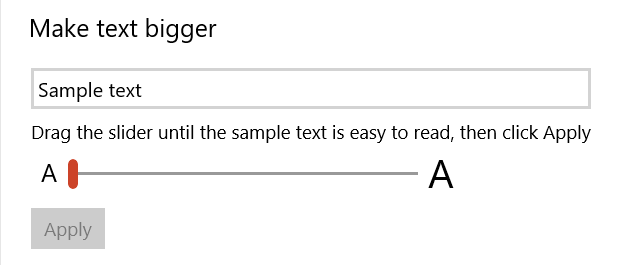
Comme vous l'avez dit, cela provoque des problèmes avec certaines barres d'outils qui semblent avoir une hauteur fixe. Si le traducteur a vraiment besoin d'un texte aussi grand, vous pourriez essayer d'autres options de mise à l'échelle de Windows dans le Panneau de configuration > Affichage. Si Paratext apparaît flou, il faudra peut-être jouer avec les options de mise à l'échelle avancée.
Hi @Iver+Larsen,
I was able to reproduce this by changing the windows Font size settting to be very large.
This setting can be found under Ease of Access > Display. You can also find it by typing ‘text size’ into the windows menu, which brings up “Make Text Size Bigger”.
As you said, it causes problems with certain toolbars which seem to have a fixed height. If the translator does need that large text, you might try some of Windows’ other scaling options under Control Panel > Display. If Paratext comes out blurry, you might have to play with the Advanced Scaling options.
Traduit automatiquement depuis English








