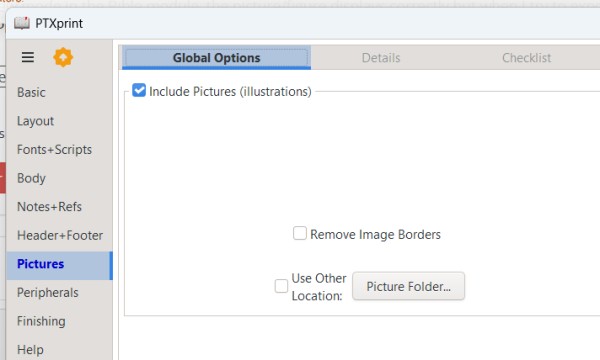
對於 PTXPrint,請點擊左側欄中的「圖片」(Pictures),並勾選方框以包含圖片。
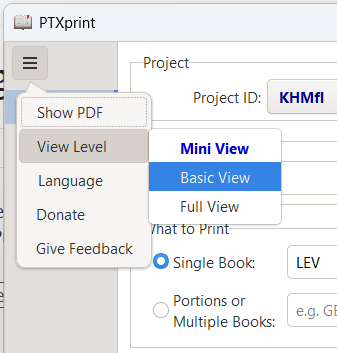
如果您在左側欄看不到「圖片」(Pictures),請點擊左上角的三條橫線,選擇「檢視層級」(View level),然後選擇「基本檢視」(Basic View)或「完整檢視」(Full view)。
For PTXPrint, click on Pictures in the left column and check the box to include pictures.
If you don't see Pictures in the left column, click the three bars at top left, choose "View level" and pick either Basic View or Full view.
機器翻譯自 English








