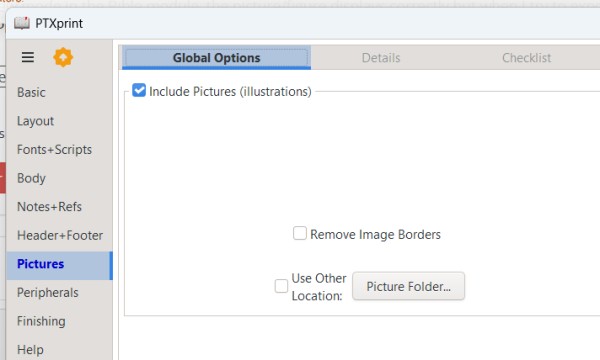
对于 PTXPrint,请点击左侧栏中的“图片”(Pictures),并勾选包含图片的复选框。
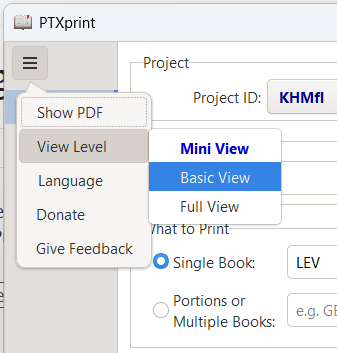
如果您在左侧栏中看不到“图片”(Pictures),请点击左上角的三条横线,选择“视图级别”(View level),然后选择“基本视图”(Basic View)或“完整视图”(Full view)。
For PTXPrint, click on Pictures in the left column and check the box to include pictures.
If you don't see Pictures in the left column, click the three bars at top left, choose "View level" and pick either Basic View or Full view.
机器翻译自 English








