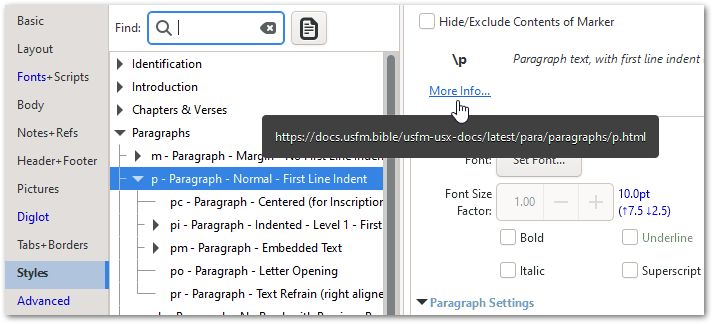
如果您在 PTXprint 中造訪「樣式」(Styles)頁面,它會為每個樣式提供一個指向線上文件的連結:
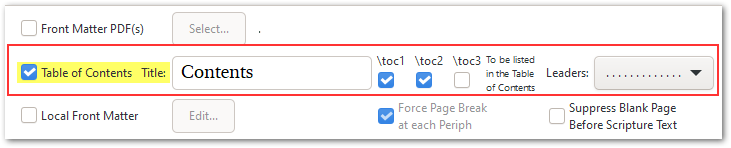
\toc1、\toc2 和 \toc3 標記會被識別並用於生成目錄。您可以在「週邊」(Peripherals)頁面啟用此功能:
If you visit the Styles page within PTXprint, it gives you a link for each style to the online documentation:
The \toc1 \toc2 and \toc3 markers get picked up and used for generating the Table of Contents. This can be enabled on the Peripherals page:
機器翻譯自 English








