当我打开一个文本集合时,所有经文文本都是黑色的:
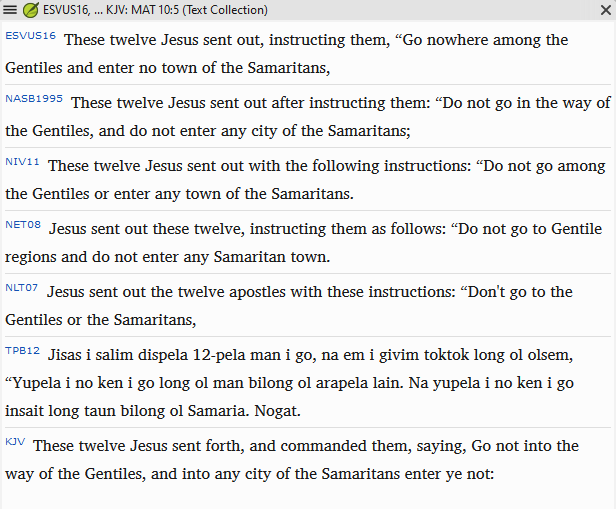
图片616×509 23.7 KB
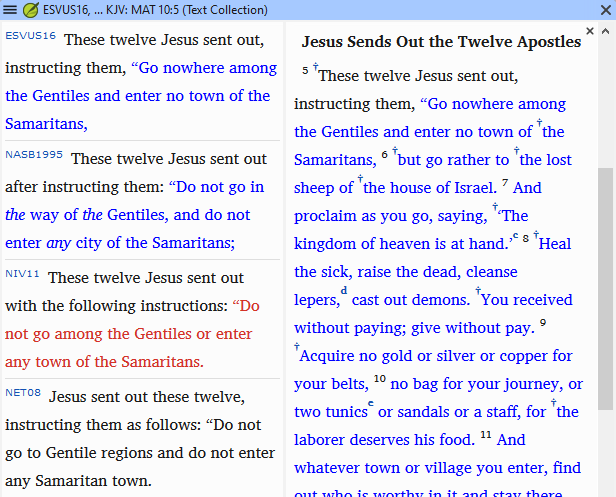
但是,当我点击其中一个资源以在第二个窗格中显示上下文时,耶稣的话语现在变成了彩色:
现在,当我关闭第二个窗格时,耶稣的话语仍然是彩色的:
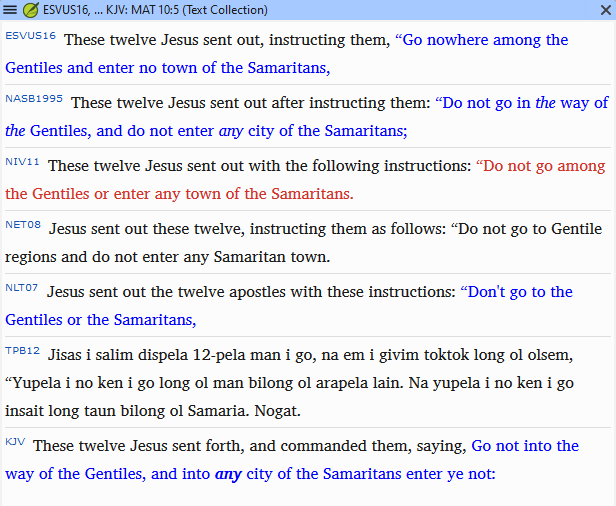
图片616×506 26.6 KB
这是预期的行为吗?有没有办法让它只显示黑色文本?
我是否也正确地看到,某些资源现在使用蓝色而不是红色来显示耶稣的话语?
我还注意到,这些资源的所有文本都使用相同的字体和大小。太棒了!!这样看起来真的非常漂亮。开发人员做得好!!
When I open a Text Collection, all of the Scripture text is black:
image616×509 23.7 KB
But when I click on one of the Resources to display the context in a 2nd pane, words of Jesus are now in color:
And now, when I close the 2nd pane, the words of Jesus are still in color:
image616×506 26.6 KB
Is this expected behavior? Is there any way to make it black text only?
Do I also see correctly that some Resources now use blue instead of red for words of Jesus?
I also noticed that all of the text for these Resources is the same font and size. YEAH!! It looks REALLY nice that way. Way to go developers!!
机器翻译自 English








