我試著讓這兩本小冊子的版面保持一致。除了以下兩點不同外,文字與版面皆相同:1) 在正確的版本中,版權頁對面在印刷版面中有一張空白頁;2) 文字從第 4 頁開始,而非第 3 頁,因此總頁數為 24 頁,而非 33 頁。我確定有一個簡單的設定可以解決這個問題,但我怎麼也找不到。感謝任何協助。基本上,我需要讓下面的第二個檔案(33 頁,文字位於版權頁對面)看起來像第一個檔案(34 頁,版權頁對面沒有文字)。
順帶一提,我正在修正原本正確的小冊子中的一個小錯字。但我似乎無法恢復到這個特定的版面。
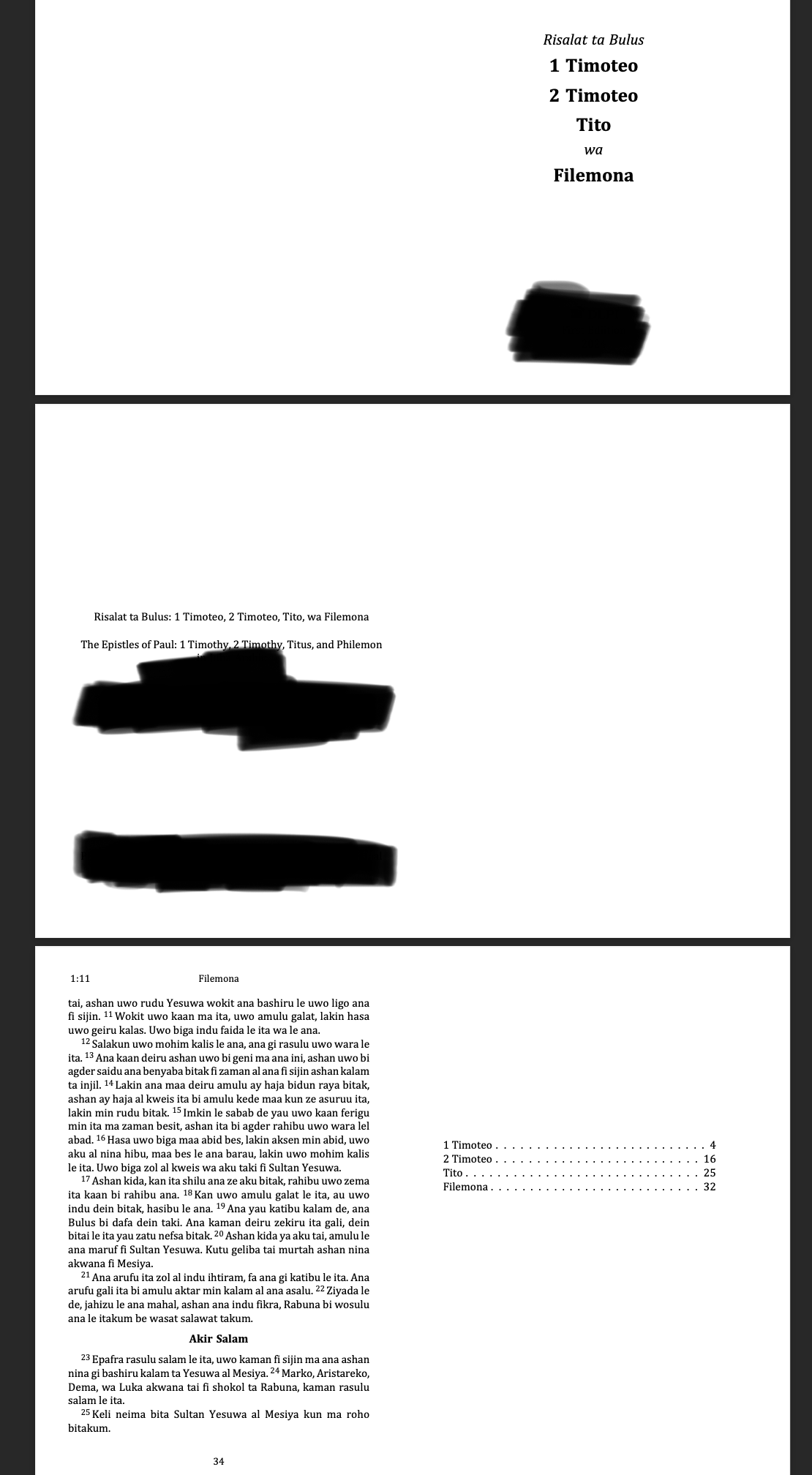
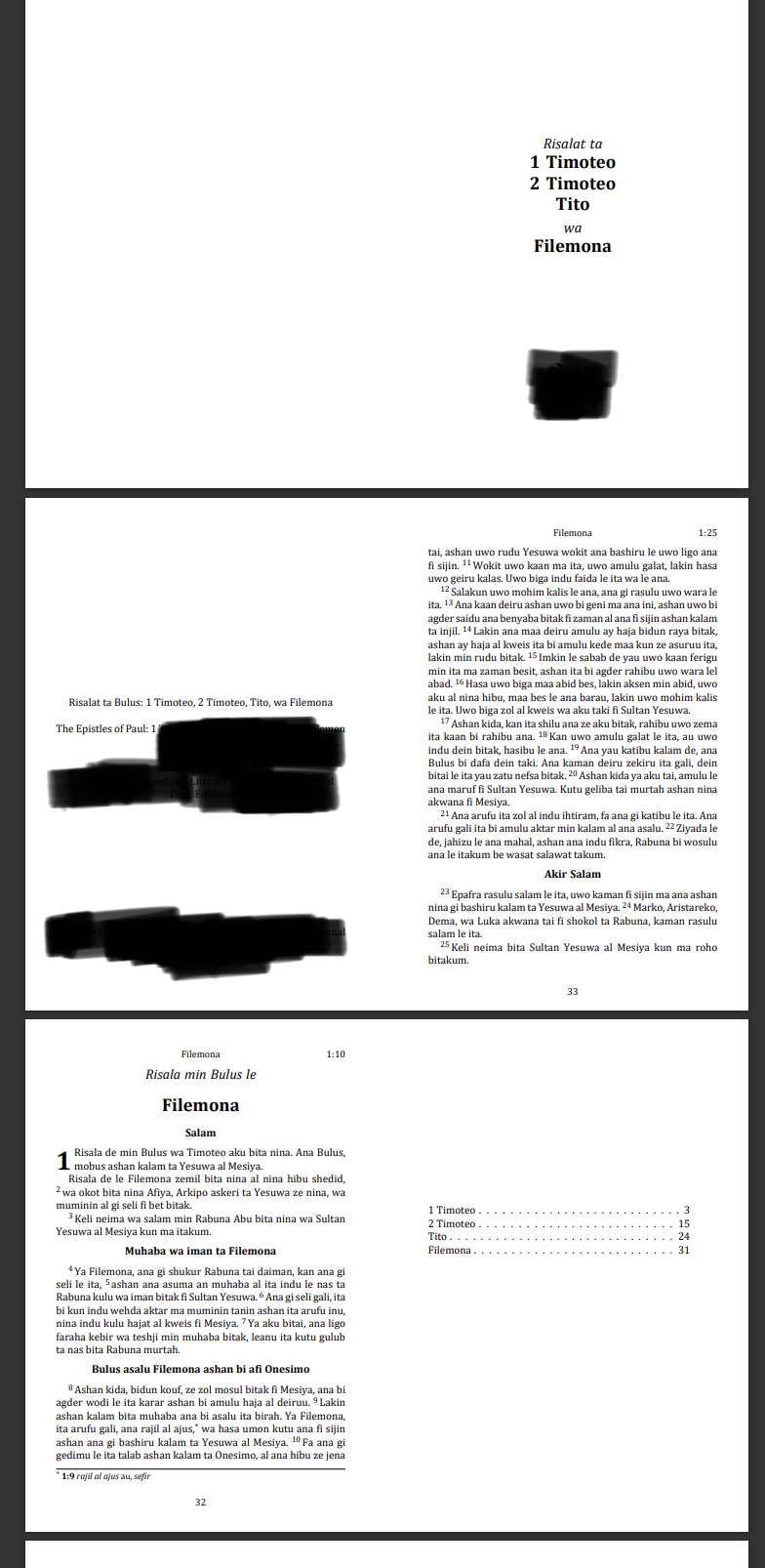
I'm trying to match the layout of these two booklets. The texts and layout are the same except that the correct version has 1) a blank page opposite the copyright page in the print layout and 2) the text begins on page 4, not page three resulting in 24 rather than 33 pages. I am sure there is a simple setting that will resolve this but for the life of me I can't find it. I appreciate any help. Basically, I need the second file below (the one with 33 pages and text opposite the copyright page) to look like the first file (34 pages, no text opposite the copyright page.
FWIW, I'm correcting a small typo in the otherwise correct booklet. But I can't seem to get back to this particular layout.
機器翻譯自 English








