Saya sedang mencoba menyesuaikan tata letak kedua buletin ini. Teks dan tata letaknya sama, kecuali versi yang benar memiliki 1) halaman kosong di berlawanan dengan halaman hak cipta dalam tata letak cetak dan 2) teks dimulai di halaman 4, bukan halaman tiga, sehingga menjadi 24 halaman alih-alih 33 halaman. Saya yakin ada pengaturan sederhana yang akan menyelesaikan ini, tetapi saya tidak bisa menemukannya. Saya menghargai bantuan apa pun. Pada dasarnya, saya perlu file kedua di bawah (yang memiliki 33 halaman dan teks di berlawanan dengan halaman hak cipta) terlihat seperti file pertama (34 halaman, tidak ada teks di berlawanan dengan halaman hak cipta.
Sebagai informasi, saya sedang memperbaiki salah ketik kecil di buletin yang sudah benar. Tetapi saya tidak bisa kembali ke tata letak tertentu ini.
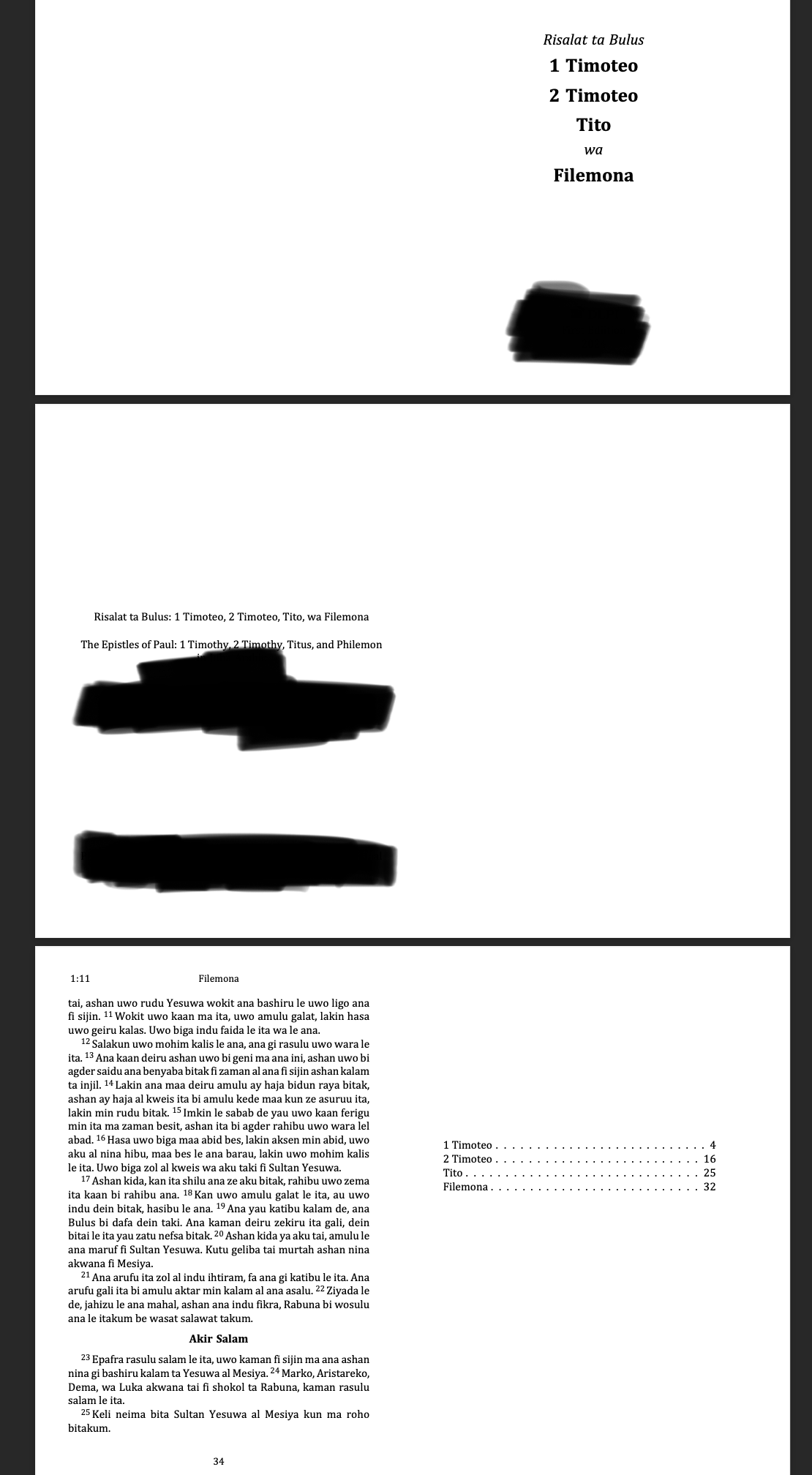
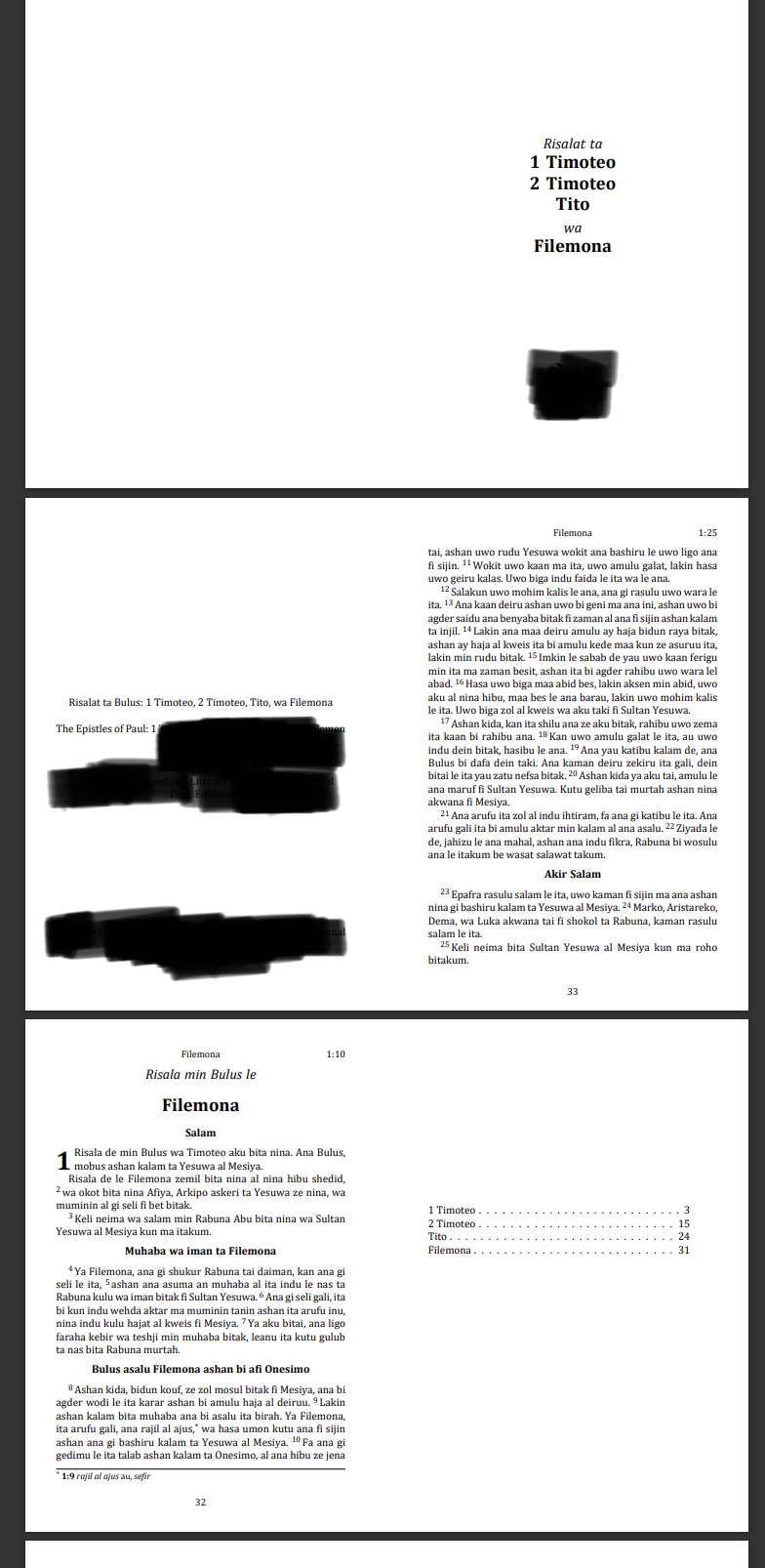
I'm trying to match the layout of these two booklets. The texts and layout are the same except that the correct version has 1) a blank page opposite the copyright page in the print layout and 2) the text begins on page 4, not page three resulting in 24 rather than 33 pages. I am sure there is a simple setting that will resolve this but for the life of me I can't find it. I appreciate any help. Basically, I need the second file below (the one with 33 pages and text opposite the copyright page) to look like the first file (34 pages, no text opposite the copyright page.
FWIW, I'm correcting a small typo in the otherwise correct booklet. But I can't seem to get back to this particular layout.
Diterjemahkan secara otomatis dari English








